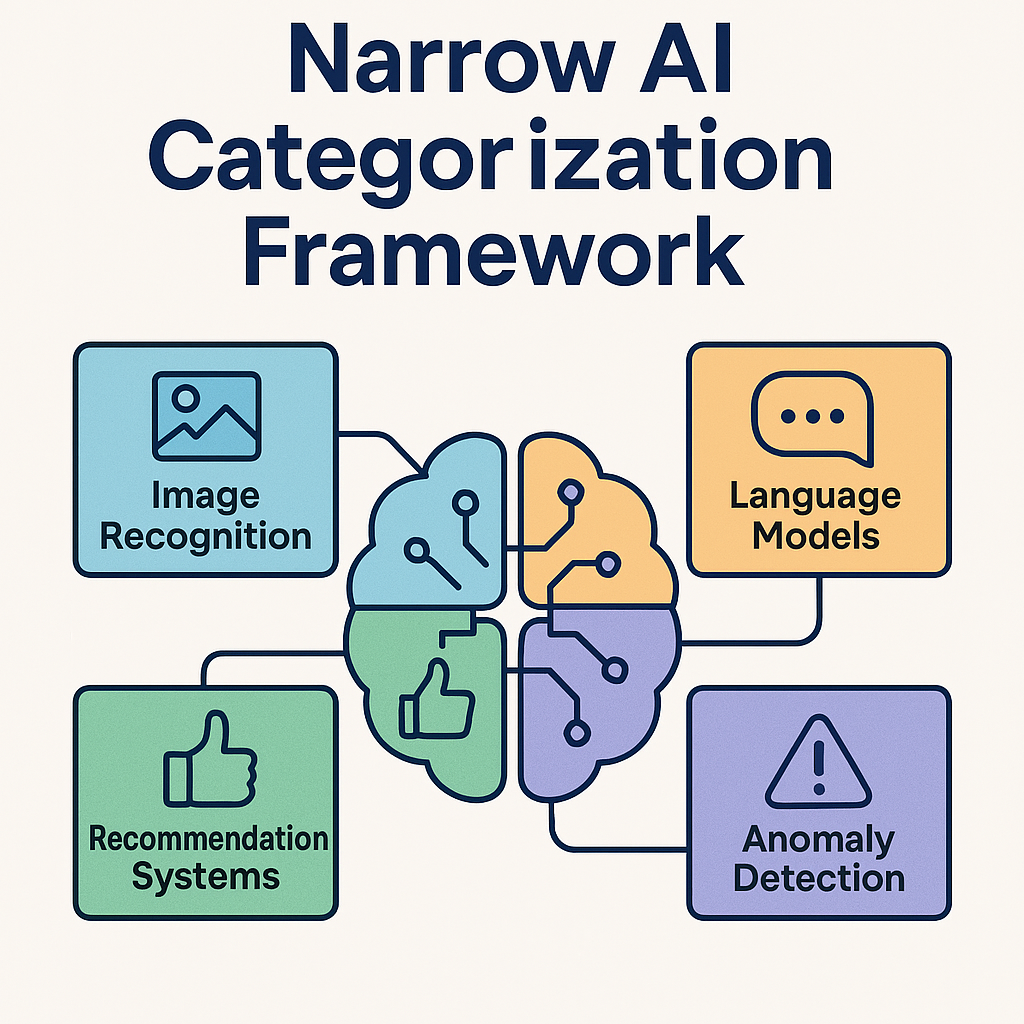
If you’ve ever used a chatbot, relied on Google Maps, or let Netflix suggest your next binge, you’ve already met Narrow AI—smart tools built to do one thing really well. But not all Narrow AI is created equal. From systems that recognize faces to those that write emails or sort invoices, each type has its own personality and purpose. In this post, we’ll break down the Narrow AI universe into clear, bite-sized categories so you can understand what these tools actually do, how they work, and where they show up in everyday life. Whether you're exploring AI for fun, work, or your own blog, this framework will help you see the tech with clarity and confidence.
Tier 1: Functionality & Use Case
Broad categories based on what the AI does.
Tier 2: Sub-Categories
Specific technical approaches or design styles
Tier 3: Real-World Examples
Actual tools or platforms that embody each sub-category.
Twitter sentiment analysis, Grammarly tone checker
Named Entity Recognition (NER)
Identify names, places, dates
Google Search snippets, Hugging Face NER models
Text Generation
Create human-like text
ChatGPT, Jasper.ai, Copy.ai
Machine Translation
Translate between two languages
Google Translate, DeepL
Summarization
Condense long text
QuillBot, SMMRY, Notion AI
4. Computer Vision Systems
Sub-catergory
Description
Examples
Image Classification
Label Images
Google Photos, Pinterest visual search
Object Detection
Locate objects in images
Tesla Autopilot, YOLO models
Facial Recognition
Match faces to identities
Apple Face ID, Clearview AI
Image Segmentation
Divide image into regions
Medical imaging tools, Adobe Photoshop AI
Optical Character Recognition (OCR)
Extract text from images
Adobe Scan, CamScanner, Tesseract
5. Speech Recognition Systems
Sub-Category
Description
Examples
Voice Command Systems
Trigger actions via speech
Alexa, Google Assistant, Siri
Transcription Tools
Convert speech to text
Otter. ai, Rev, Descript
Speaker Identification
Recognize who is speaking
Zoom voice profiles, Nuance biometrics
Emotion Detection
Analyze tone and mood
Cogito, Beyond Verbal
6. Expert Systems
Sub-Category
Description
Examples
Medical Diagnosis AIs
Suggest conditions based on symptoms
Ada Health, Infermedica
Legal Advisory Bots
Offer legal guidance
DoNotPay ROSS Intelligence
Financial Planning Tools
Recommend investment strategies
Betterment, Wealthfront
7. Robotic Process Automation (RPA)
Sub-Category
Description
Examples
Data Entry Bots
Transfer info between systems
UiPath, Automation Anywhere
Invoice Processing
Extract and organize billing date
ABBY FlexiCapture
Email sorting
Route messages based on content.
Outlook Rules, Gmail filters
Form Filling
Auto- complete online forms
Browser extensions, Selenium script
Understanding Narrow AI doesn’t have to feel like decoding a sci-fi script. With a clear framework in hand, you can start recognizing the smart systems all around you—from the apps that organize your inbox to the tools that help you write, shop, or even learn. As you explore AI more deeply, this categorization gives you a solid foundation to spot opportunities, ask better questions, and choose the right tools with confidence. Keep this guide handy, share it with a curious friend, and remember: the more you understand AI, the more empowered you become to use it creatively and fearlessly.